Viral Shorts, Reels & TikToks
Quickly access tools for meme reactions, exotic travel backdrops, selective black-and-white color pops, and transparent overlay clips.

Transform your videos by swapping backgrounds instantly with our AI-powered tool. Perfect for creating professional content.

Quickly eliminate unwanted backgrounds from your videos with precision. Ideal for creating clean, professional footage.

Add a professional green screen background to your videos. Perfect for creating versatile content ready for custom effects.
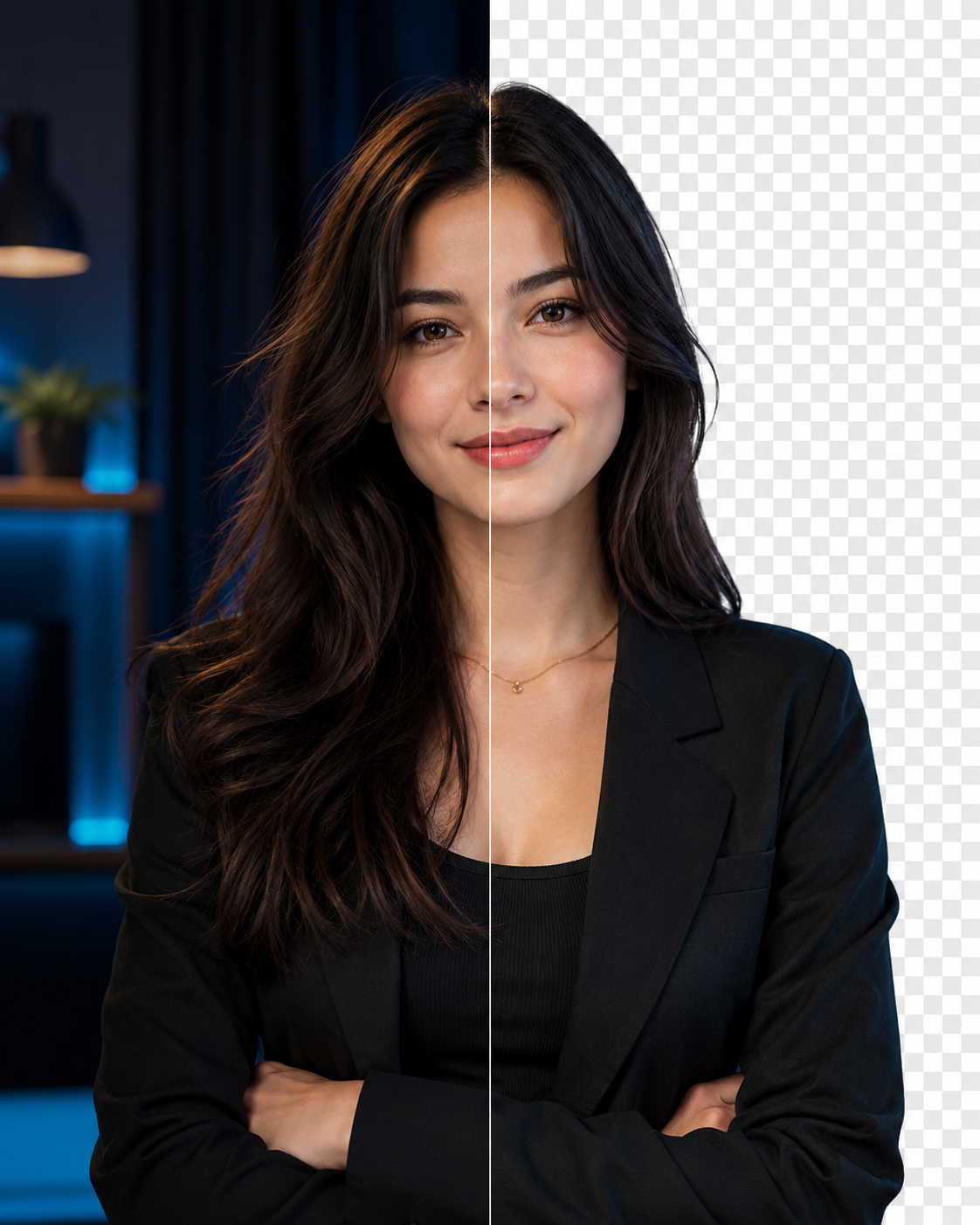
Apply true transparency to your backgrounds using alpha channels. Perfect for overlays, cutouts, and seamless composition in videos.

Add a sophisticated touch to your videos with customizable background blur effects. Great for interviews and vlogs.

Convert video backgrounds to dramatic black and white while keeping your subject in full color. Perfect for music videos, fashion, and social reels.
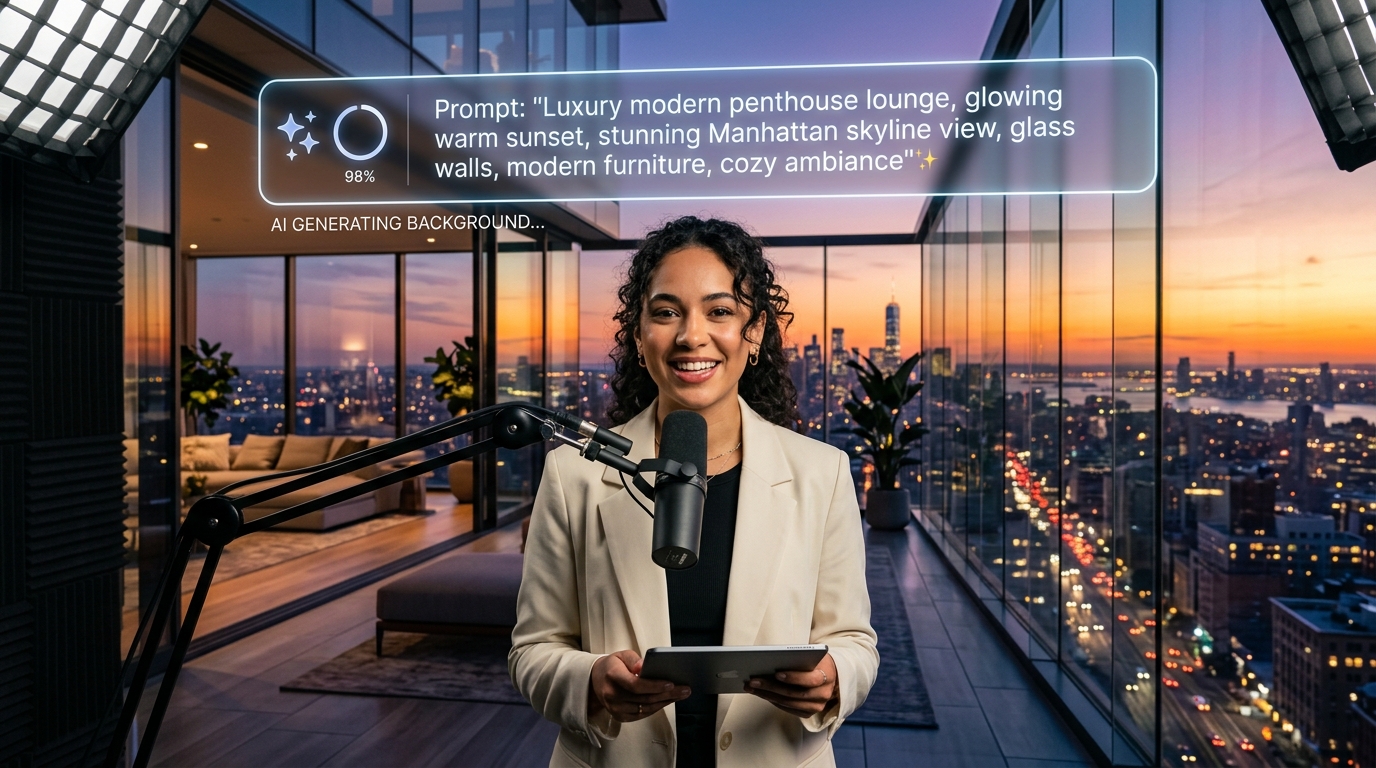
Create stunning, custom video backgrounds using AI. Simply describe the background you want, generate & apply AI images instantly.
The Video Background Changer Explore hub is a curated directory of AI-powered video editing tools, background presets, and creative templates. Content creators, marketers, and businesses can browse specialized tools to remove backgrounds, apply virtual green screens, blur backdrops, create selective black-and-white effects, or generate custom AI scenes instantly.
Step-by-step instructions to get studio-quality results in seconds.
Explore our catalog of specialized video tools above — including AI background removal, virtual green screen, bokeh blur, and generative AI backgrounds.
Select your video clip (MP4, MOV, or WebM). No green screen fabric, studio lighting setup, or complex tracking markers are needed.
Choose from hundreds of curated photo backdrops, solid colors, customizable blur strengths, or write a prompt to generate unique AI imagery.
Preview your composited video in real time and download the high-definition result without watermarks or per-minute fees on paid plans.
Built for creators, businesses, educators, and video editors worldwide.
Quickly access tools for meme reactions, exotic travel backdrops, selective black-and-white color pops, and transparent overlay clips.
Batch produce sleek product videos with distraction-free white studios, stylized color themes, or transparent alpha-channel cutouts.
Keep students focused by softening distracting backgrounds or superimposing instructors directly in front of digital presentation slides.
Transform casual home office footage into executive-grade presentations with professional virtual office and studio scenery.
Export WebM alpha transparency and PNG image sequences for seamless integration into After Effects, Premiere Pro, and game engines.
Why professionals choose Video Background Changer for their video workflow.
Unified suite for background removal, background replacement, virtual green screen, depth blur, and color splash.
Type a descriptive prompt to generate photorealistic backgrounds customized to your video lighting and composition.
Export true transparent video (WebM alpha channel and PNG sequence) for multi-layer video editing.
Processes high-definition videos up to 2K/4K resolution online without straining your local hardware.
You can access specialized AI tools for automatic background removal, background replacement with custom images or video, virtual green screen creation, depth-of-field background blur, selective black-and-white effects, and generative AI background synthesis.
Yes. The free plan lets you upload clips up to 10 seconds (30 MB) and preview the AI result before paying. Free exports carry a watermark; paid plans ($14.99/month, $59.99/year, or a $149.99 lifetime license) remove all duration limits and watermarks with no per-minute charges.
No. All tools run directly in your web browser using automated neural networks. You can film anywhere on a smartphone or webcam without green screens, lighting rigs, or complex desktop software.
Yes. All videos and AI-generated backgrounds created with paid plans include full commercial usage rights for YouTube monetization, social media advertising, client work, and marketing.
Yes. Pay As You Go credits let you buy a one-time bundle and export any video watermark-free without a subscription. 1 credit = 1 second of exported video, and credits never expire, so an unused balance just carries over to your next export.
Bundles start at $7.50 for 3 minutes and go up to $60 for 2 hours, with the per-minute rate dropping the larger the bundle — the biggest pack costs up to 80% less per minute than the smallest. Before you pay, the export screen shows exactly how many credits your specific video needs.
Credits suit occasional exports — you pay once and use the balance whenever you like. If you export regularly, a monthly or yearly subscription is unlimited for one flat fee and works out cheaper per video; the export screen shows both options side by side so you can compare for your own usage.