Remove, replace or blur any video background in seconds
A new backdrop. The same you. Sign in, upload your video, and give it a background you love. Try it free and see the result before you pay. No green screen needed. Built-in editor included NEW
Explore Change BG · Remove BG · Blur · AI backgrounds · Black & White
Click or Drag & Drop to Upload
supported formats: .mp4, .webm, .mov, .m4v, .gif
Up to 30 MB · 3 free a dayUpgrade to get more





Top Features
AI-powered tools. A new possibility in every frame.

Green Background
Give your subject a green-screen backdrop for your next edit, stream, or creative project.
Explore tool
Change Background
Swap the setting for a fresh backdrop. Create a different mood without recording your video again.
Explore tool
Remove Background
Let AI separate your subject from the background, ready for a new composition.
Explore tool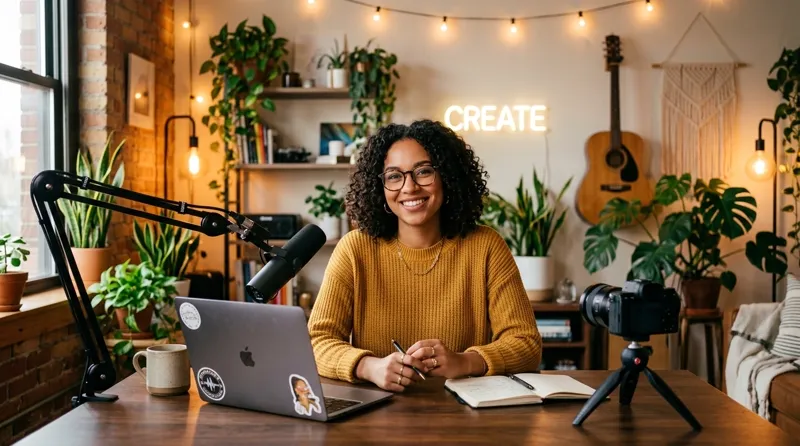
Blur Background
Keep your subject in focus with a soft, cinematic background. Add depth to every frame.
Explore toolPowerful Servers
Great Results
Backed by 24/7 GPU Support


AI Video Background Generator
Transform your videos with stunning AI-generated backgrounds. Type a prompt to create high-definition, creative backdrops that instantly elevate your visuals, all powered by cutting-edge AI.
Generate AI BackgroundRemove Video Background
Remove the background from any video in an instant with AI. Smart, fast, and seamlessâ€â€our AI handles the heavy lifting so you can focus on creating, with no green screen or complicated editing required.
Remove Video BackgroundBlur Video Background
Add a cinematic depth-of-field blur so your subject stands out. Simply upload your video and our AI softens the background for a clean, professional result in seconds.
Blur Video BackgroundGreen Screen / Chroma Key
Remove a green or blue screen with clean edge detection and color-spill correction. Perfect for streamers and creators who film on a chroma key backdropâ€â€no manual keying required.
Remove Green Screen- 01
Transform your videos with stunning AI-generated backgrounds. Type a prompt to create high-definition, creative backdrops that instantly elevate your visuals, all powered by cutting-edge AI.
Generate AI Background - 02
- 03
- 04
Get Started with
Video Background Changer Pro
We keep the exact same resolution after processing (no downgrade). Currently supporting up to 2K video processing - available in all plans.
Buy Credits, No Subscription
One-time payment. Your card is never charged again, and there's nothing to cancel. Credits never expire. 1 credit = 1 second of video, and the more you buy, the cheaper each one gets.
Starter
Try it on a real export
- 180 credits
- 3 minutes of video
- $1.50/min rate
- No watermark, no daily limit
- Uploads up to 500 MB
- Credits never expire
Creator
For regular short clips
- 900 credits
- 15 minutes of video
- $1.50/min rate
- No watermark, no daily limit
- Uploads up to 500 MB
- Credits never expire
Pro
For frequent creators
- 2,700 credits
- 45 minutes of video
- $1/min rate
- No watermark, no daily limit
- Uploads up to 500 MB
- Credits never expire
Studio
Best value per credit
- 7,200 credits
- 120 minutes of video
- $0.50/min rate
- No watermark, no daily limit
- Uploads up to 500 MB
- Credits never expire
Secure checkout by Stripe · Credits never expire · Uploads up to 500 MB on any purchase · Works with every tool

















Now Available on Web, Android & iOS
Remove, replace, or blur your video background anywhere — in the browser or on the go.