
Choosing between Video Background Changer and CapCut depends on whether you need quick, mobile-friendly edits or extensive freedom for longer video projects. Both tools cater to creators, but their core strengths and limitations shape entirely different editing experiences.
Need an immediate summary? Visit our CapCut Alternative Page for a breakdown of credit limits and transparent export options.
Whether you're looking for a quick social media fix or a robust tool for detailed video production, understanding how each platform handles backgrounds, editing limits, and pricing will help you make the right choice.
Feature Comparison Table
Here's how Video Background Changer compares with CapCut across pricing, export limits, and features:
| Criterion | Video Background Changer Free | Video Background Changer Standard | Video Background Changer Premium | CapCut |
|---|---|---|---|---|
| Price | $0/month | $15/month billed monthly | $120/year billed yearly | Free (limited); Pro $19.99/month ($179.99/year), plus paid credit top-ups |
| Watermark | Watermarked exports | No watermark | No watermark | Free version adds CapCut watermark; Pro removes it while AI credits last |
| Video length limit | 20 seconds | Unlimited | Unlimited | Free background removal: ~30 seconds per clip; Pro limited by monthly AI credit balance, not a hard duration cap |
| Supported formats | MP4, WEBM, MOV, GIF | MP4, WEBM, MOV, GIF | MP4, WEBM, MOV, GIF | MP4, MOV; optimized for TikTok sharing |
| Core tools | Remove/replace/blur/green-screen backgrounds | All Free tools + custom color/image | Same as Standard | AI background remover, filters, transitions, stickers, templates |
| Audio support | Not listed | Not listed | Audio editing | Full audio track mixing, voiceovers, music library |
| Advanced effects | Not listed | Not listed | Advanced effects | AR filters, keyframes, speed ramping, motion tracking |
| Support | Community support | Email support | Priority support | Help center + TikTok integration guides; Pro plan has priority |
| Criterion | Video Background Changer Free | Video Background Changer Standard | Video Background Changer Premium | CapCut |
|---|---|---|---|---|
| Price | $0/month | $15/month billed monthly | $120/year billed yearly | Free (limited); Pro $19.99/month ($179.99/year), plus paid credit top-ups |
| Watermark | Watermarked exports | No watermark | No watermark | Free version adds CapCut watermark; Pro removes it while AI credits last |
| Video length limit | 20 seconds | Unlimited | Unlimited | Free background removal: ~30 seconds per clip; Pro limited by monthly AI credit balance, not a hard duration cap |
| Supported formats | MP4, WEBM, MOV, GIF | MP4, WEBM, MOV, GIF | MP4, WEBM, MOV, GIF | MP4, MOV; optimized for TikTok sharing |
| Core tools | Remove/replace/blur/green-screen backgrounds | All Free tools + custom color/image | Same as Standard | AI background remover, filters, transitions, stickers, templates |
| Audio support | Not listed | Not listed | Audio editing | Full audio track mixing, voiceovers, music library |
| Advanced effects | Not listed | Not listed | Advanced effects | AR filters, keyframes, speed ramping, motion tracking |
| Support | Community support | Email support | Priority support | Help center + TikTok integration guides; Pro plan has priority |
Mobile-First vs Browser-Based Approach
CapCut revolutionized mobile video editing by bringing professional-grade features to smartphones and tablets. Its touch-optimized interface makes complex edits accessible through intuitive gestures, appealing to creators who prefer working directly on mobile devices.
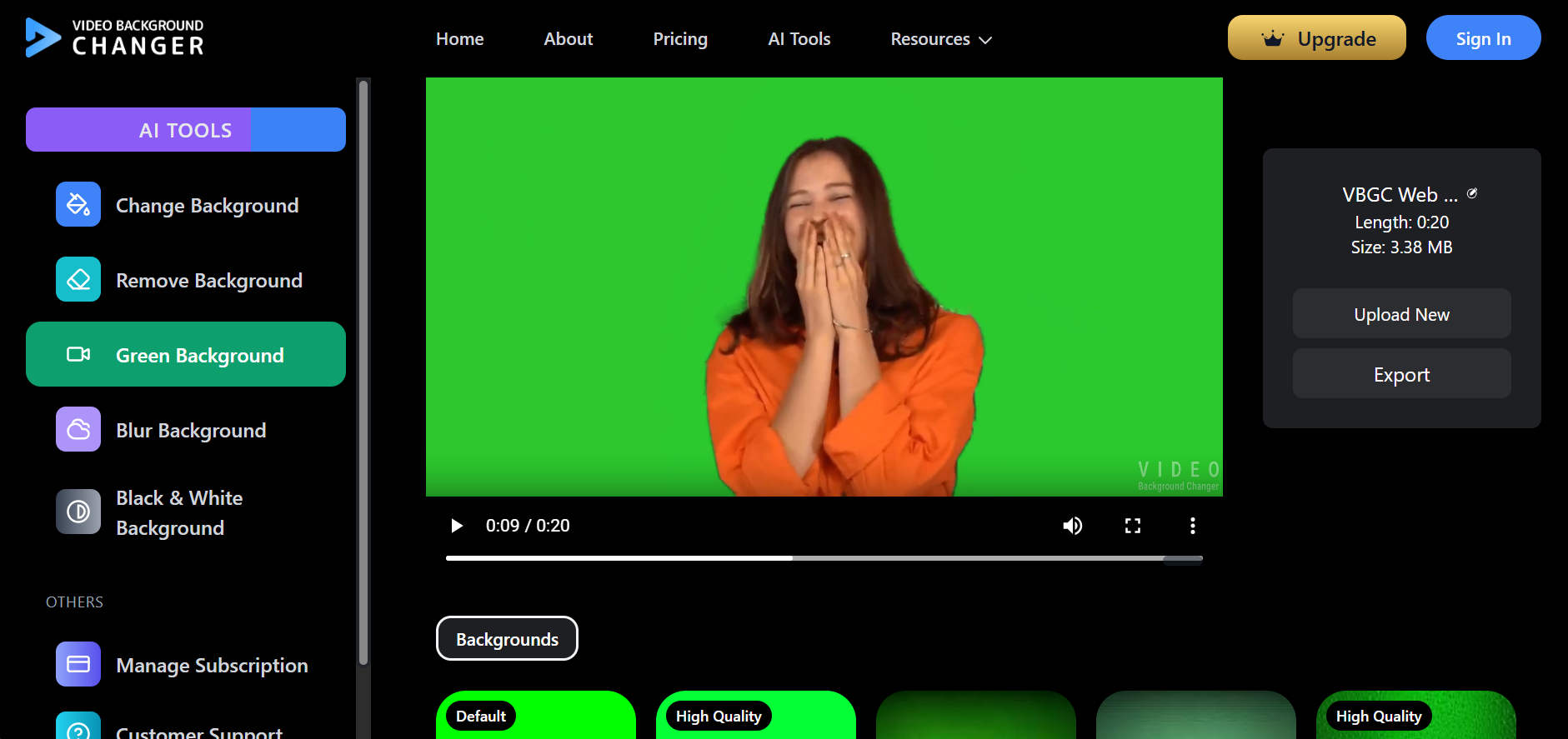
Video Background Changer operates entirely in web browsers, providing consistent experiences across desktop and mobile platforms. This approach eliminates app installation requirements and ensures universal accessibility regardless of device specifications or operating system limitations.
The fundamental difference impacts creative workflows significantly. CapCut encourages spontaneous, on-the-go content creation, while Video Background Changer supports planned production workflows that benefit from larger screens and precise control over processing parameters.
Content Strategy Alignment
CapCut's template system and effects library directly serve social media content strategies. Pre-designed transitions, trending effects, and aspect ratio presets streamline creation for TikTok, Instagram Reels, and YouTube Shorts. Video Background Changer focuses specifically on background manipulation challenges that affect all content types. Its specialized approach serves creators who need reliable background solutions without the complexity of full editing suites. The strategic choice depends on content goals: CapCut suits creators building social media presence through varied content types, while Video Background Changer serves creators prioritizing consistency and professional appearance across longer-form or series content.
Learning Curve and Skill Development
CapCut's comprehensive feature set requires significant learning investment. New users must master multiple tools, effects, and workflow concepts before achieving efficient content production. However, this investment pays dividends through versatile creative capabilities.
VBGC's focused functionality enables rapid skill acquisition. Users typically achieve proficiency within minutes, making it suitable for creators who need immediate results without extensive tool mastery.
The educational value differs substantially. CapCut teaches broad video editing principles applicable to professional software, while Video Background Changer develops specific background removal expertise that translates to specialized production needs.
Performance and Resource Considerations
CapCut requires substantial device resources for complex projects. Mobile processing limitations may affect performance with longer videos or multiple effect layers, potentially requiring project segmentation or simplified workflows.
Video Background Changer leverages cloud processing, removing device performance constraints. This approach ensures consistent processing speed regardless of user hardware, though internet connectivity becomes the primary limiting factor.
Storage implications favor different strategies. CapCut projects consume local device storage, while Video Background Changer operates through temporary cloud processing without permanent storage requirements on user devices.
User Reviews
"CapCut's templates save hours on social content, but VBGC's unlimited background removal is perfect for my YouTube series consistency."
Sophie Martinez
Verified User
"Love CapCut for quick TikTok edits, but when I need clean backgrounds for professional work, Video Background Changer delivers every time."
Ryan Kim
Verified User
"CapCut's mobile editing is unmatched, but VBGC's browser approach works better for my desktop-heavy workflow."
Priya Sharma
Verified User
"For batch processing interview clips, VBGC's unlimited model beats CapCut's general editing approach every time."
Marcus Johnson
Verified User
Frequently Asked Questions
Can CapCut handle long-form content effectively? CapCut works with longer videos but is optimized for short-form social content. Extended projects may challenge mobile device performance.
Does Video Background Changer offer editing features beyond backgrounds? No, Video Background Changer specializes exclusively in background manipulation, requiring separate tools for comprehensive editing needs.
Which platform better serves beginning creators? CapCut offers broader creative education through comprehensive features, while Video Background Changer provides immediate success in specific background removal scenarios.
Does CapCut's background removal still work the same way? CapCut restructured its plans: Pro is now $19.99/month and background removal draws from a shared monthly AI credit pool rather than unlimited use, so heavy users may need paid top-ups. See our full CapCut credit system breakdown for details.
Conclusion
The choice between CapCut and Video Background Changer reflects fundamental creator priorities: comprehensive mobile editing versus specialized background processing. CapCut serves creators building diverse social media presence through varied content types, while Video Background Changer appeals to creators prioritizing consistency and professional background treatment across their content portfolio. Your content strategy, preferred devices, and production volume should guide this important tooling decision.