
So, you’re looking for an Unscreen alternative because Unscreen shut down in December 2025… right? You won’t believe this, but you actually have better options now — faster, cheaper, and with way better quality. If you want to remove video backgrounds 100% automatically online, without complicated software, VideoBackgroundChanger.com (VBGC) is designed exactly for that. Let’s break it down in a simple, friendly, and practical way.
Why Look for an Unscreen Alternative in 2025?
Unscreen was popular because it made background removal effortless. However, after discontinuing its services in December 2025, users were left without a reliable solution. Even before its shutdown, Unscreen struggled with high pricing, limited background options, and lower export quality. Creators now need a modern alternative that keeps automation while improving quality and affordability — and that’s where Video Background Changer comes in.
Meet Video Background Changer — The Best Unscreen Alternative Online
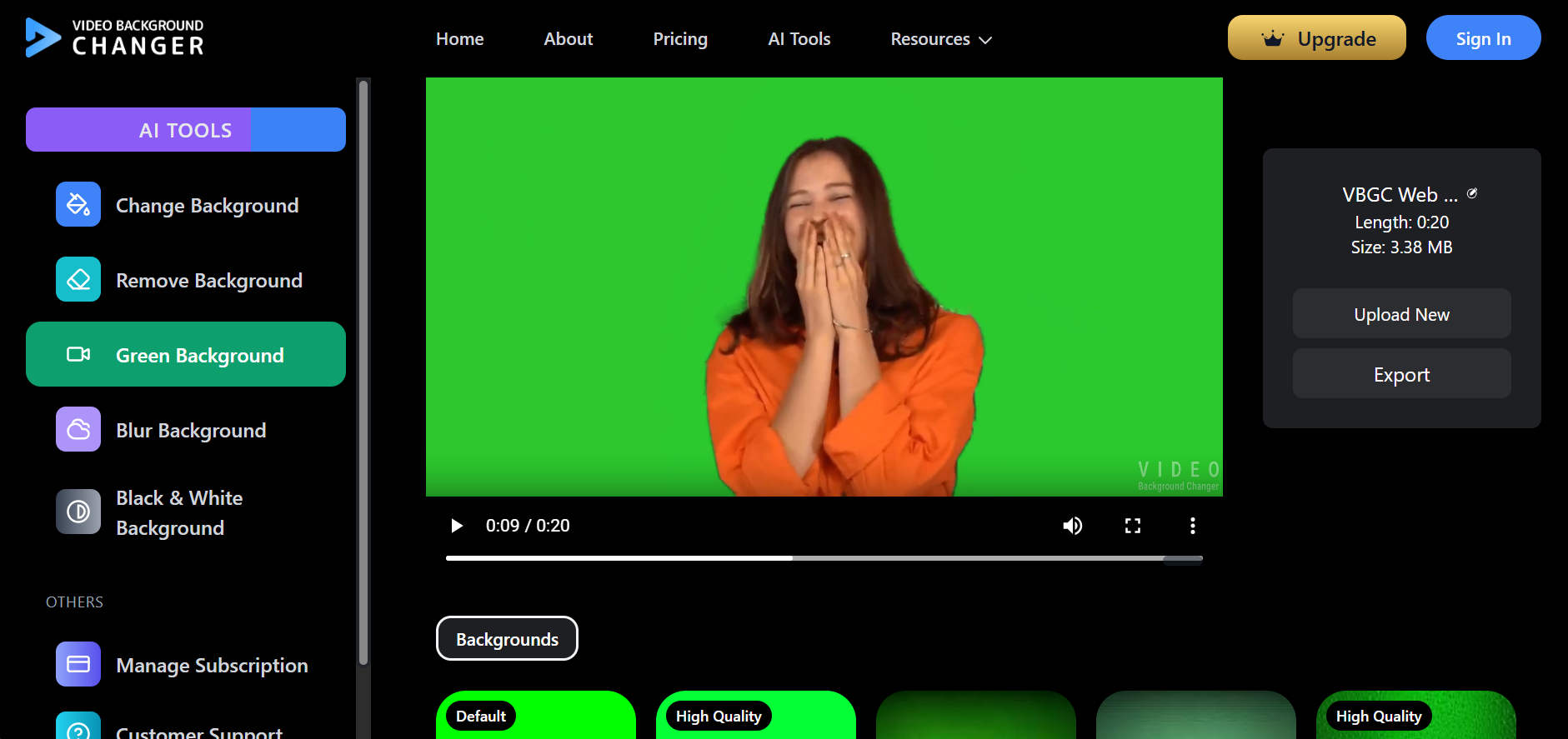
Video Background Changer delivers what Unscreen users always wanted: fast, automatic background removal without green screens or complex editing tools. The workflow is simple: upload your video, let AI remove the background, and download your clean result. Best of all, many of VBGC’s tools are available completely free, making it accessible to everyone.
If you want to remove a video background online without green screens or complex editors, the workflow is as simple as upload → process → download.
If you’re evaluating trust and performance together, see Why Privacy Matters in AI Video Editing for details on private infrastructure, deletion practices, and zero-latency feedback positioning.
How Video Background Changer Removes Video Backgrounds Automatically
Video Background Changer uses advanced AI segmentation models to detect people, objects, and motion accurately. After uploading your video, the AI processes it in seconds, removing the background while preserving sharp edges and smooth motion. No editing experience is required, and results are ready almost instantly.
Why Video Background Changer Is Better Than Unscreen
Video Background Changer offers cleaner edges, better motion tracking, and fewer visual artifacts compared to Unscreen. It also includes free tools Unscreen never offered, such as blur background, green screen effect, and black & white background modes. Paid plans remain affordable while providing HD exports, custom background uploads, and watermark-free videos.
Video Background Changer vs Unscreen: Feature Comparison
Video Background Changer matches Unscreen’s automation while surpassing it in flexibility and cost. With free background removal, modern AI models, and continuous updates, Video Background Changer is a clear upgrade for creators, freelancers, and businesses alike.
How to Remove Video Backgrounds With VBGC
Follow these simple steps to remove video backgrounds with VBGC:
• Step 1: Upload your video
• Step 2: Select "Remove Background"
• Step 3: Let the AI process the clip
• Step 4: Download your finished video
The entire process takes only a few moments from start to finish.
Why Creators Love VBGC
Content creators praise Video Background Changer for saving hours of manual editing, delivering better quality than Unscreen, and offering generous free tools. It’s widely used for YouTube videos, TikTok clips, reels, ads, and product showcases.
For HD exports, custom backgrounds, and watermark-free downloads, see plans and export options to pick the right tier for your workflow.
Conclusion
After Unscreen’s shutdown, creators needed a fast, affordable, and automatic solution for video background removal. Video Background Changer fills that gap perfectly with better AI, more free features, and simpler workflows. If you want professional-looking videos without the hassle, Video Background Changer is the new go-to Unscreen alternative.