
CapCut Pro and Video Background Changer represent different approaches to professional video creation: comprehensive mobile editing versus specialized background processing. Understanding these distinctions helps creators align tool selection with production goals and workflow preferences.
Feature Comparison Table
If you want to compare costs beyond CapCut Pro, check the plans and pricing to see what’s included at each tier (monthly vs yearly, watermark rules, and unlimited processing).Here's how Video Background Changer stacks up against CapCut Pro across pricing, limits, and core editing features:
| Criterion | Video Background Changer Free | Video Background Changer Standard | Video Background Changer Premium | CapCut Pro |
|---|---|---|---|---|
| Price | $0/month | $15/month billed monthly | $120/year billed yearly | $19.99/month or $179.99/year, plus paid AI credit top-ups |
| Watermark | Watermarked exports | No watermark | No watermark | No watermark while Pro AI credits last |
| Video length limit | 20 seconds | Unlimited | Unlimited | No strict duration cap, but usage is metered by a monthly AI credit balance shared across all AI features |
| Supported formats | MP4, WEBM, MOV, GIF | MP4, WEBM, MOV, GIF | MP4, WEBM, MOV, GIF | MP4, MOV; TikTok/Instagram optimized |
| Core tools | Remove/replace/blur/green-screen backgrounds | All Free tools + custom color/image | Same as Standard | Advanced background remover, templates, premium effects, text-to-speech |
| Audio support | Not listed | Not listed | Audio editing | Premium sound effects, advanced mixing, licensed music library |
| Advanced effects | Not listed | Not listed | Advanced effects | Premium transitions, motion tracking, AR effects, text animations |
| Support | Community support | Email support | Priority support | Priority support, Pro-only resources |
| Criterion | Video Background Changer Free | Video Background Changer Standard | Video Background Changer Premium | CapCut Pro |
|---|---|---|---|---|
| Price | $0/month | $15/month billed monthly | $120/year billed yearly | $19.99/month or $179.99/year, plus paid AI credit top-ups |
| Watermark | Watermarked exports | No watermark | No watermark | No watermark while Pro AI credits last |
| Video length limit | 20 seconds | Unlimited | Unlimited | No strict duration cap, but usage is metered by a monthly AI credit balance shared across all AI features |
| Supported formats | MP4, WEBM, MOV, GIF | MP4, WEBM, MOV, GIF | MP4, WEBM, MOV, GIF | MP4, MOV; TikTok/Instagram optimized |
| Core tools | Remove/replace/blur/green-screen backgrounds | All Free tools + custom color/image | Same as Standard | Advanced background remover, templates, premium effects, text-to-speech |
| Audio support | Not listed | Not listed | Audio editing | Premium sound effects, advanced mixing, licensed music library |
| Advanced effects | Not listed | Not listed | Advanced effects | Premium transitions, motion tracking, AR effects, text animations |
| Support | Community support | Email support | Priority support | Priority support, Pro-only resources |
Professional Feature Set Analysis
CapCut Pro transforms the free version into a professional-grade mobile editing platform. Premium templates, advanced color grading, and sophisticated audio mixing tools enable high-quality content creation directly on mobile devices.
Video Background Changer maintains laser focus on background processing excellence. Rather than expanding into general editing features, it optimizes specifically for background removal, replacement, and enhancement scenarios that affect professional content quality.
That specialization matters most when you need to remove a video background online quickly and consistently, without turning your workflow into a full editing project.
The specialization differences impact learning curves significantly. CapCut Pro users must master comprehensive editing workflows, while Video Background Changer users can achieve professional background results with minimal learning investment.
Content Creation Strategy Alignment
CapCut Pro serves creators building comprehensive content strategies across multiple social platforms. Its template system and effect library directly support trending content formats and viral video production techniques. Video Background Changer appeals to creators prioritizing consistency and professional presentation across their content library. Its unlimited processing model supports series content, educational videos, and professional presentations requiring uniform background treatment.
If you’re deciding based on short-form trends vs longer content workflows, this breakdown of CapCut vs Video Background Changer for long videos makes the tradeoffs clearer.
The strategic implications affect content planning differently. CapCut Pro encourages diverse content experimentation through varied templates and effects, while Video Background Changer supports consistent branding through reliable background processing.
Production Efficiency and Scalability
CapCut Pro's comprehensive toolset can handle complete video production workflows within a single application. This integration eliminates the need for multiple tools but requires mastering complex feature sets to achieve efficiency.
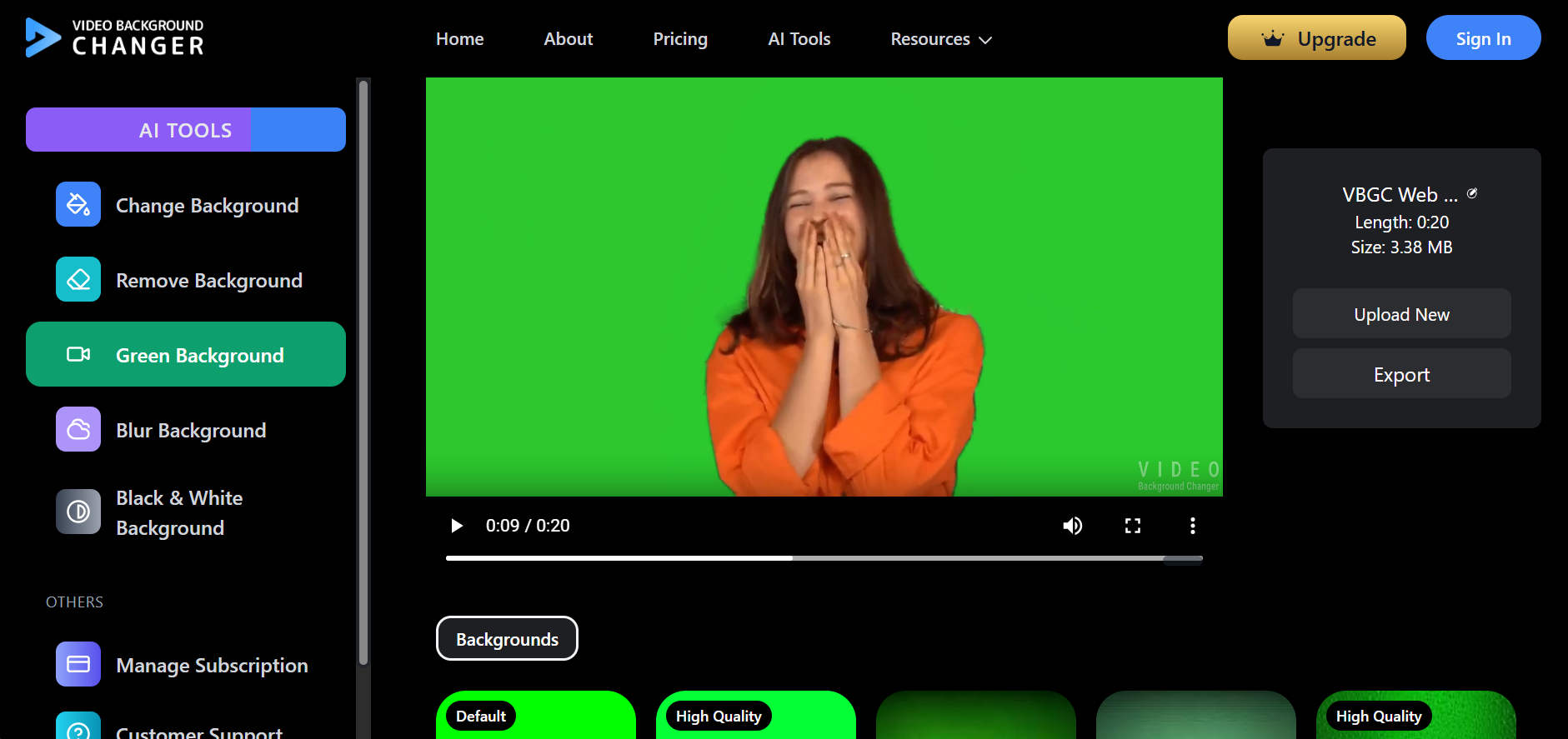
VBGC's specialized focus enables rapid processing workflows for background-related tasks. Creators can batch process multiple videos efficiently, making it suitable for high-volume content production requiring consistent background treatment.
The scalability models differ fundamentally. CapCut Pro scales through feature mastery and template customization, while Video Background Changer scales through unlimited processing volume and streamlined workflows.
Device Performance and Resource Management
CapCut Pro demands substantial device resources, particularly for complex projects with multiple effect layers or high-resolution footage. Mobile device limitations may require workflow adjustments or project segmentation for optimal performance.
Video Background Changer utilizes cloud processing that eliminates device performance constraints. This approach ensures consistent processing speed regardless of user hardware specifications, though reliable internet connectivity becomes essential.
The resource implications affect production planning. CapCut Pro users must consider device capabilities when planning projects, while Video Background Changer users focus primarily on upload quality and internet connectivity for optimal results.
User Reviews
"CapCut Pro's templates are perfect for quick social content, but VBGC's unlimited background processing works better for my YouTube series."
Mobile Creator Sam
Verified User
"Love CapCut Pro for on-the-go editing, but VBGC's specialized background tools deliver more consistent professional results."
Professional Editor Maya
Verified User
"CapCut Pro covers all my mobile editing needs, while Video Background Changer handles the background consistency my brand requires."
Content Strategist Alex
Verified User
"For lecture recordings, VBGC's unlimited length and clean backgrounds win over CapCut Pro's social-focused features."
Educator Jennifer
Verified User
Frequently Asked Questions
Is CapCut Pro worth the upgrade cost? It depends on usage. CapCut Pro at $19.99/month unlocks watermark-free exports and premium editing, but background removal and other AI features draw from a shared monthly credit pool, and heavy users may need paid top-ups on top of the subscription.
Does Video Background Changer offer editing features beyond backgrounds? No, Video Background Changer specializes exclusively in background manipulation, requiring additional tools for comprehensive editing needs.
Which platform better serves long-form content creators? Video Background Changer excels for long-form content requiring consistent background treatment, with genuinely unlimited processing on paid plans, while CapCut Pro optimizes for shorter, social media-focused content creation within its credit allowance.
Conclusion
The decision between CapCut Pro and Video Background Changer reflects fundamental creator priorities: comprehensive mobile editing capabilities versus specialized background processing excellence. CapCut Pro serves creators needing professional mobile editing tools for diverse content creation, while Video Background Changer appeals to creators prioritizing consistent, unlimited background processing for professional presentation. Your content strategy, preferred devices, and production volume requirements should guide this important tooling choice.