A PNG sequence is a collection of PNG images that represent each frame of a video or animation. Instead of one video file, you get multiple images saved in order.
When these frames are played rapidly, they recreate motion. This makes PNG sequences perfect for frame-by-frame video background removal, motion graphics, and frame-by-frame editing.
Want to make one right now? Use our free — it runs entirely in your browser, nothing gets uploaded, and transparency is preserved.
What Is a PNG Sequence?
A PNG sequence is a series of individual PNG image files that together represent the frames of a video or animation.
Instead of storing everything in one video file, each frame is saved as a separate image:
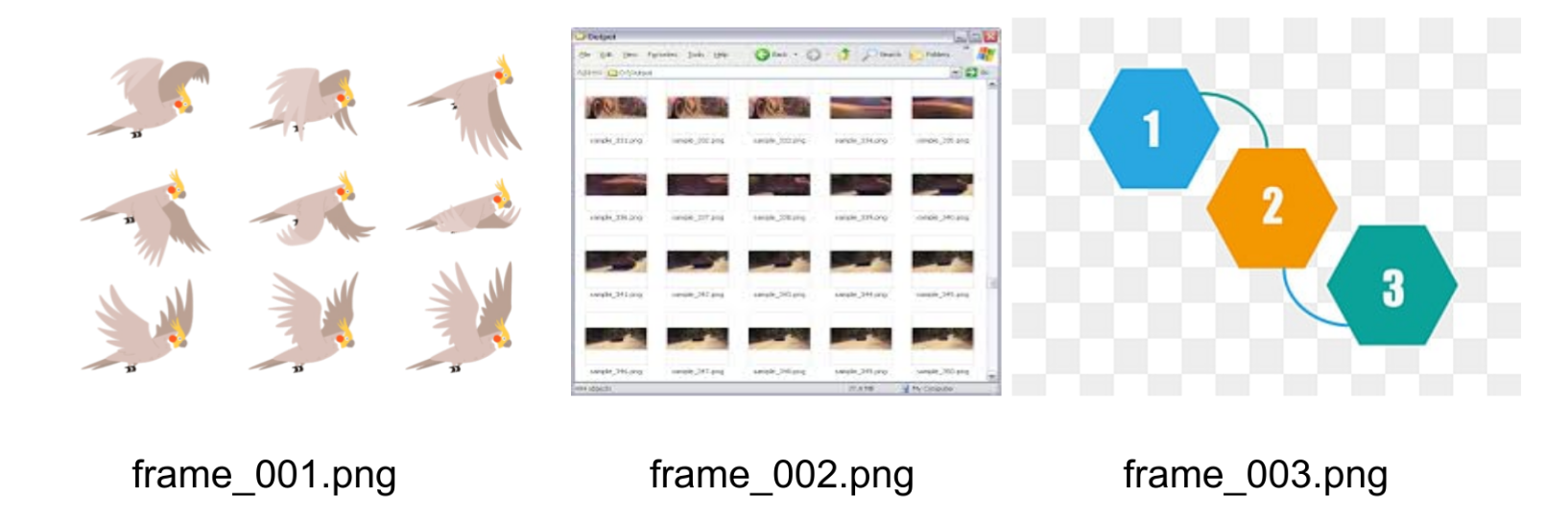
When these images are played back in rapid succession, they create the illusion of motion - just like a flipbook!
A Live Running PNG Sequence Example
Most articles explain PNG sequences using screenshots. Here's a live, running PNG sequence demo you can actually see in motion.
PNG Sequence Animation Example
See the Pen Snow Monkeys PNG animation for IAT Step Inside by Unseen Studio (@unseenstudio) on CodePen.
👉 Live PNG Sequence Demo: https://codepen.io/team/unseenstudio/pen/OXXypY
What This Example Shows: • A PNG sequence playing frame by frame • Each image loaded individually • Smooth animation without a video file • Real-time playback using images only
This is exactly how PNG sequences behave behind the scenes when: • A video is converted to frames • Backgrounds are removed frame by frame • Transparent subjects are layered over new backgrounds
Why PNG Sequences Are Used Instead of Video Files
PNG sequences solve problems that MP4 or GIF files can't.
Key Advantages:
• Supports transparency – Perfect for compositing.
If you’re comparing formats that preserve transparency, also see WebM with alpha transparency for modern web workflows.
• No compression artifacts – Maintains original quality
• Precise frame-level control – Edit individual frames
• Ideal for AI background removal – Process each frame separately
• Reusable frames for multiple exports – Maximum flexibility
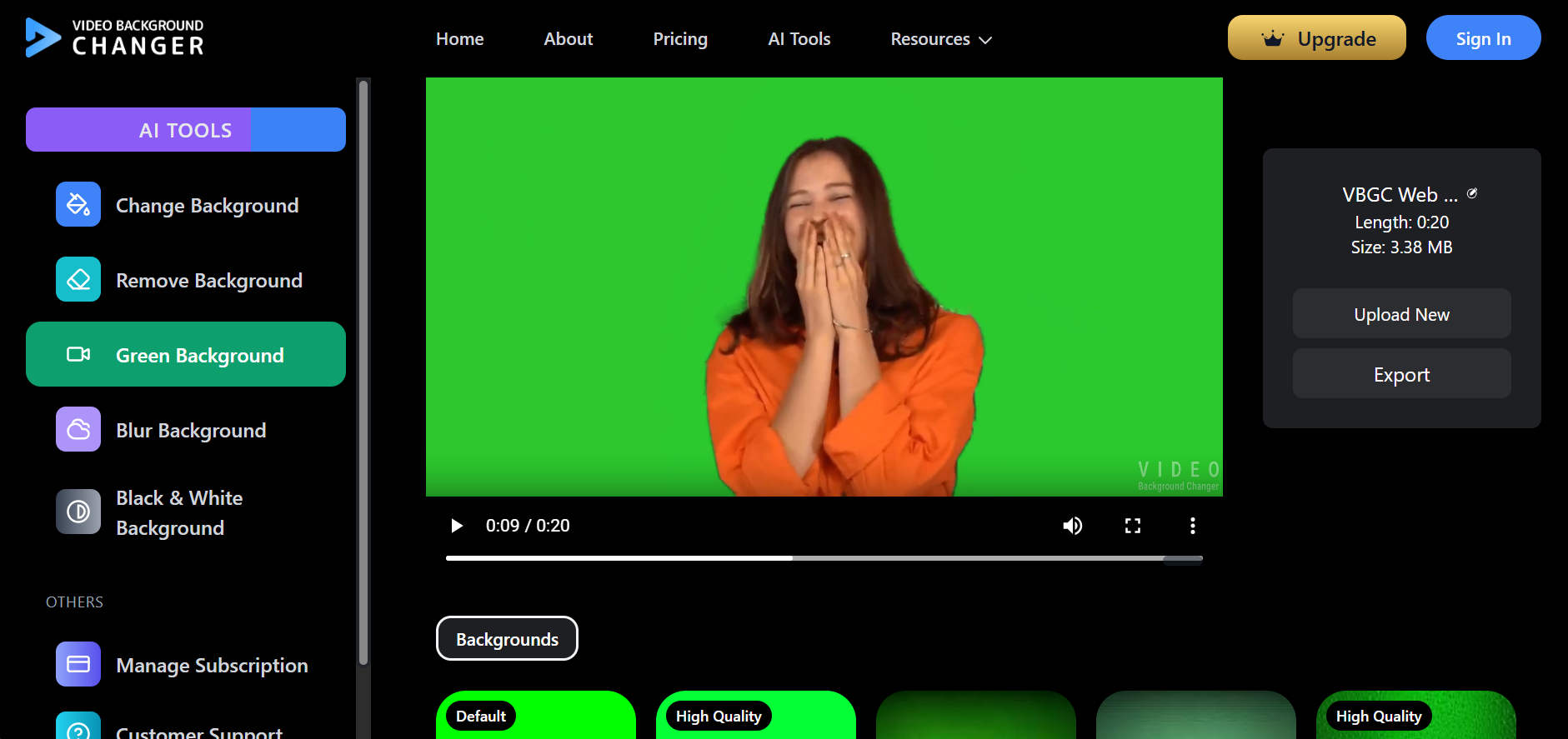
For tools like videobackgroundchanger.com, PNG sequence output allows accurate subject separation without green screens.
PNG Sequence in Real-World Video Editing
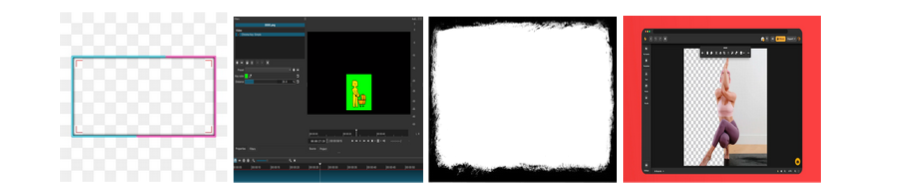
1. Video Background Removal Each frame is processed individually, resulting in cleaner edges and fewer artifacts.
2. Changing or Replacing Backgrounds Once you have transparent PNG frames, you can place the subject over: • Solid colors • Images • New videos
3. Turning Video Into Images Many creators search for: • video to png sequence • turn video into images • video to frames
PNG sequences are the cleanest answer. Once you have transparent PNG frames, you can replace the background in your video with a solid color, image, or even another clip.
How to Convert Video to PNG Sequence Online
Instead of installing heavy software, you can convert videos online.
Simple Workflow:
- Upload a video
- The system extracts frames
- Each frame is saved as a PNG
- Download the PNG sequence
Features to Look For: • Supported formats (MP4, MOV, WebM) • Frame rate control (FPS) • Output naming convention (frame_0001.png) • Transparency handling (before/after background removal)
Common Search Terms: • mp4 to png sequence • video to png frames • convert video to images online
This approach works especially well when paired with AI background detection, where each frame needs individual processing.
PNG Sequence vs GIF vs MP4
| Format | Transparency | Quality | Editing Control |
|---|---|---|---|
| PNG Sequence | ✅ Yes | High | Full frame control |
| GIF | ❌ Limited | Low | Minimal |
| MP4 | ❌ No | Compressed | Timeline-based |
If your goal is editing, compositing, or background replacement, PNG sequence is the better option.
Who Should Use PNG Sequence Output?
Ideal Users: • Content creators • E-commerce videos • Social media editors • AI background removal users
PNG sequences provide the flexibility and quality these creators need for professional results.
Can PNG Sequences Be Converted Back to Video?
Yes. A common workflow looks like this:
Workflow:
- Video → PNG sequence
- Edit or replace background
- PNG sequence → MP4 or GIF
This allows creators to maintain quality during editing and only compress at the final export stage.
Why PNG Sequence Output Matters for VideoBackgroundChanger.com
VBGC focuses on AI-based video background editing.
PNG sequences fit naturally into this process because: ✔ AI works frame by frame ✔ Transparency is preserved ✔ Background changes are cleaner ✔ Frames can be reused or re-exported
For users searching "PNG sequence", "mp4 to png sequence", or "video to frames", this format directly supports professional-grade results.
Frequently Asked Questions
1. What is a PNG sequence used for in video editing? A PNG sequence is used in video editing to break a video into individual image frames, allowing high-quality compositing, effects, and precise frame-by-frame editing.
2. How to convert MP4 to PNG sequence? You can convert MP4 to a PNG sequence by extracting each video frame using video editing software or online video-to-image conversion tools.
3. Can PNG sequences have transparency? Yes, PNG sequences support alpha transparency, making them suitable for overlays, animations, and background removal workflows.
4. PNG sequence vs GIF? PNG sequences offer higher image quality and transparency support compared to GIFs, but require more storage space.
5. How to convert a PNG sequence back to video? A PNG sequence can be converted back into a video by reassembling the image frames using video editing or encoding tools.
Conclusion
A PNG sequence isn't just a technical format. It's a practical solution for creators who need precision, transparency, and control.
If you want to truly understand how it works, the live CodePen example above shows it better than any screenshot ever could.
If you're working with video background removal or AI editing, PNG sequence output is the most accurate starting point.